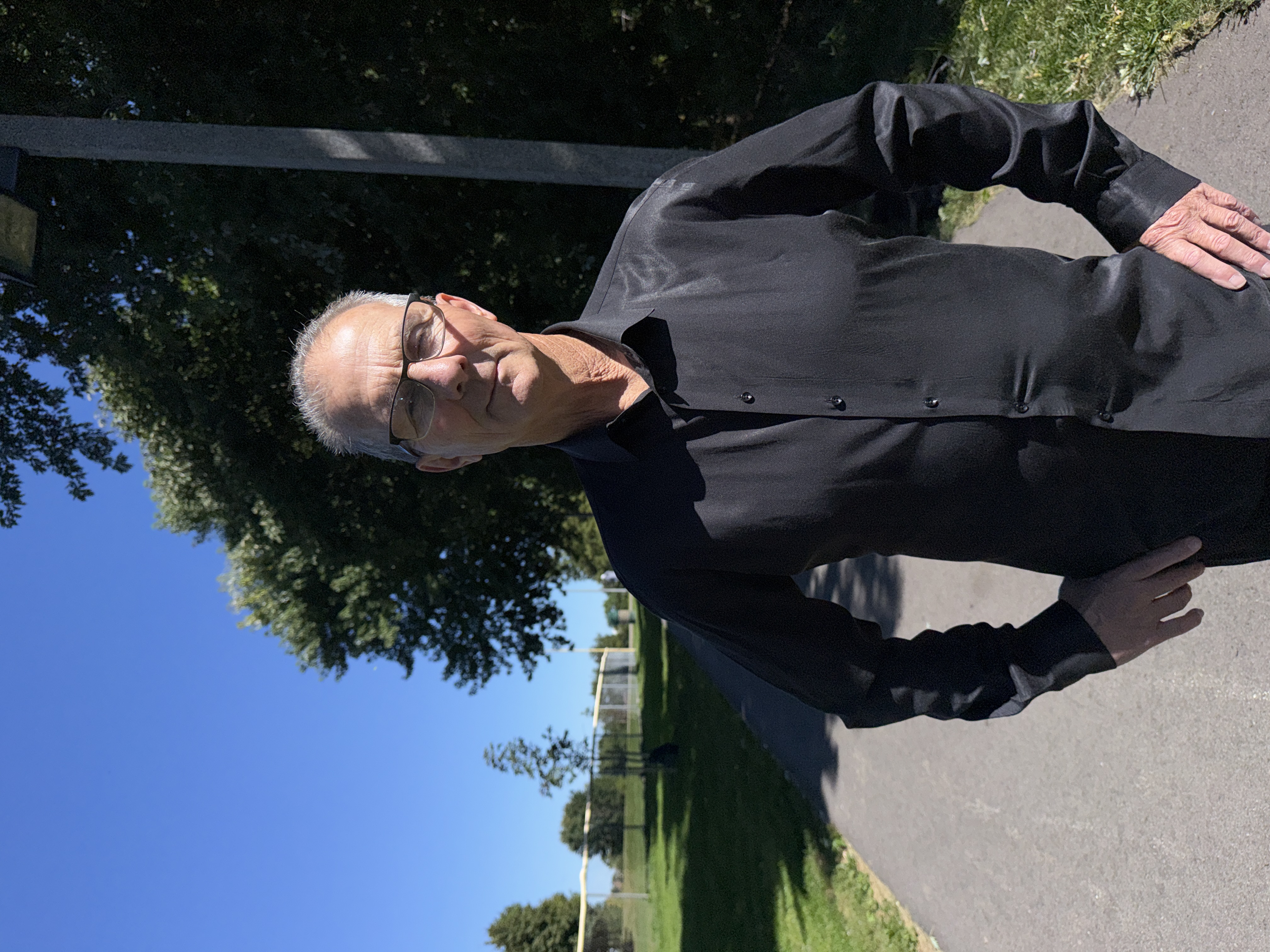
“I’m not running for Ward 8 councillor because I think I have all the answers, I’m running because I believe that together, collectively, we can find better answers.”
In his business, Solutions Broker, George starts by understanding what someone needs and finding the people who can help.
Thirty-six years in this community. His community work includes decades of support for people in recovery.
On council, he wants to work with the mayor, fellow councillors, regional staff and community partners to address concerns and keep people informed about what happens next.
Where George stands
Put cooperation to work.
George’s priorities are homelessness and safety, transparent spending, and development and infrastructure. He wants to work with the City, Region and community partners on each.
Homelessness and safety
Coordinate support for people facing homelessness and address everyday safety concerns.
Bring the City, Region, Province and community partners together to assess options for people facing homelessness.
Take an inventory of vacant buildings and assess whether any could serve as supportive housing.
Propose road speeds of 30 km/h in school zones, 40 km/h in residential areas and 60 km/h on arterial throughways. Work with the Region on roads under its responsibility.
Your ballot is private. Never share your voting PIN with anyone, including this campaign. For help, contact the City's election office.
Online voting closed at 8 p.m. on Monday 26 October. See the City’s election page for official information.
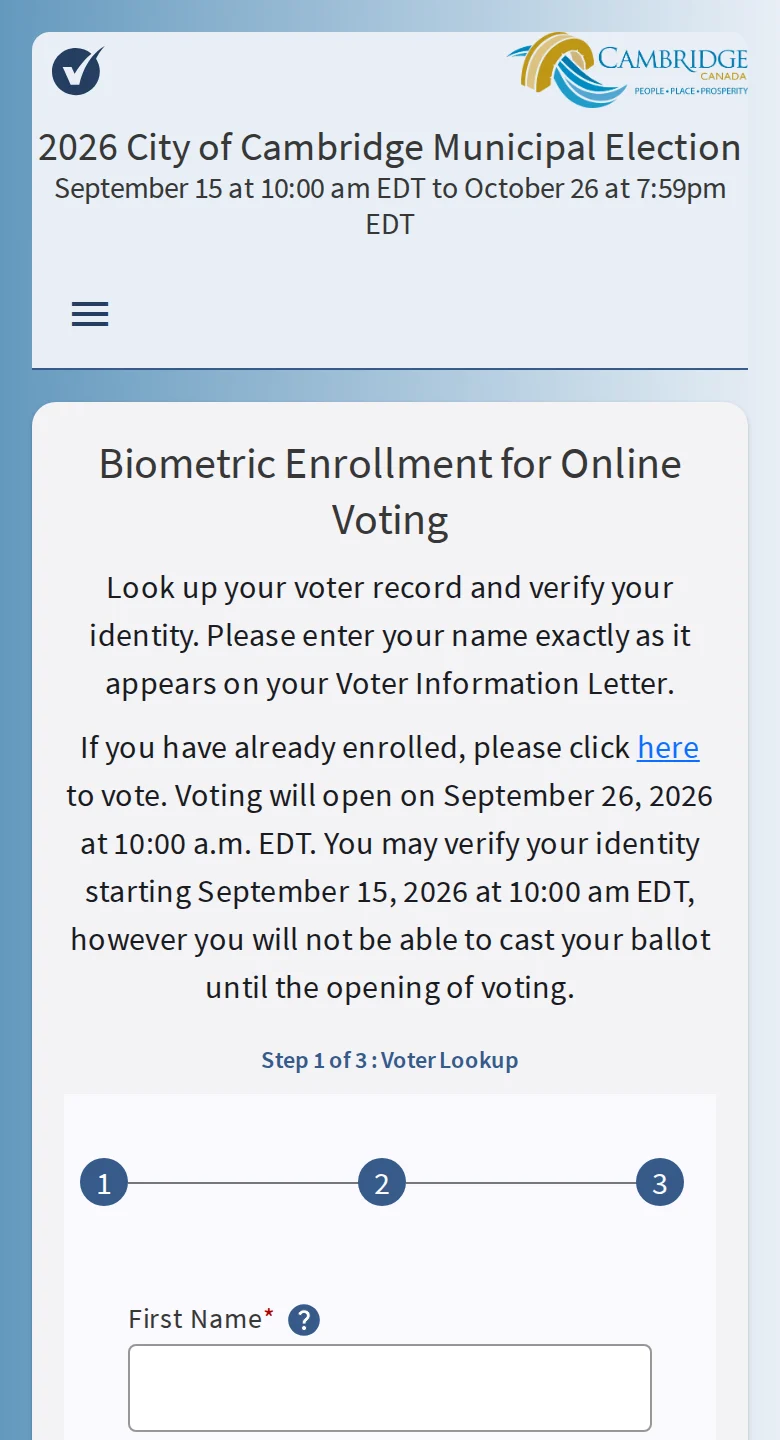
Before you start
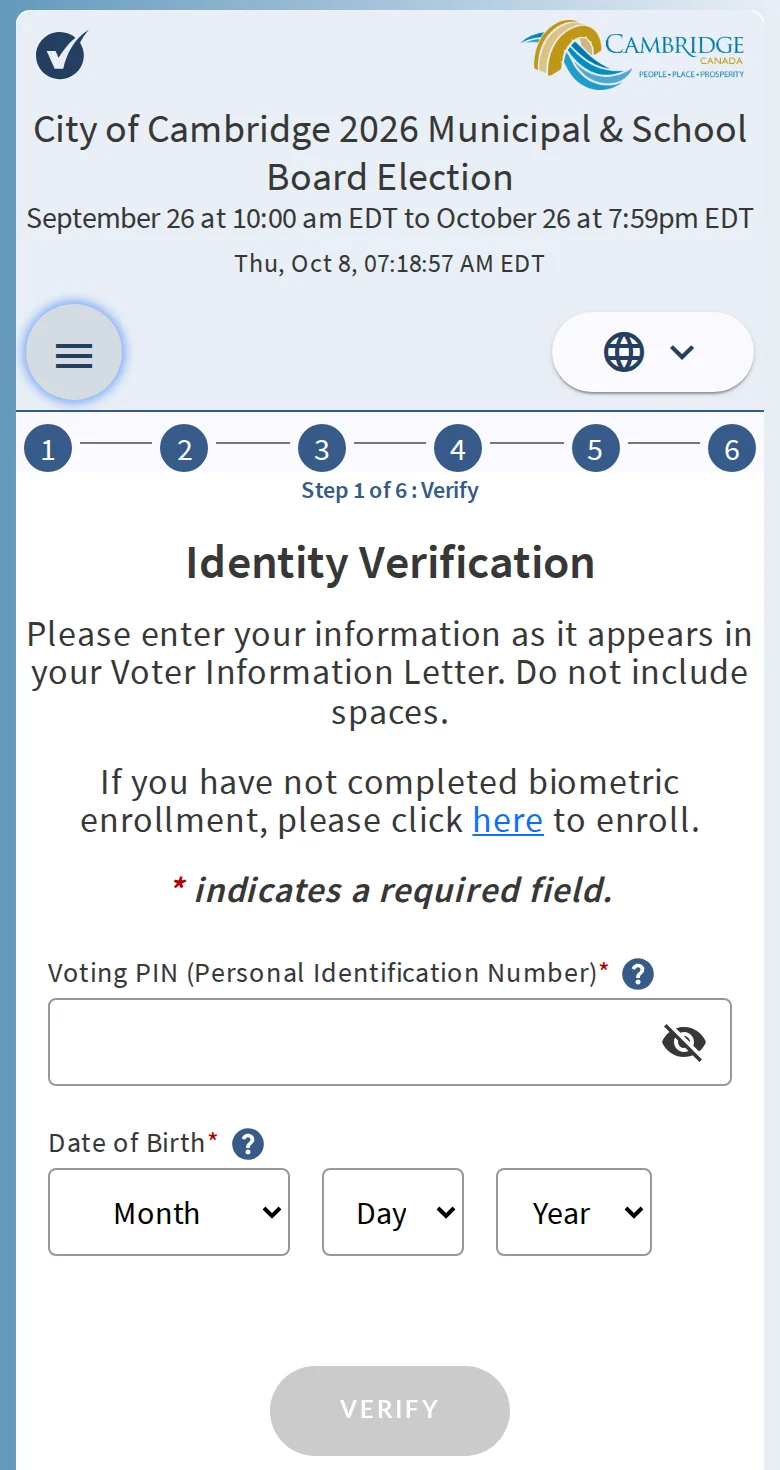
Your Voter Information Letter. Your Voting PIN is printed on it. No letter? Contact the City election office.
Government-issued photo ID. A driver’s licence or Ontario Photo Card. A health card or passport also needs a second document with your name and Cambridge address.
A phone, tablet or computer with a camera, and an internet connection.
Your email. The City’s Step 2 video shows a six-digit code sent by email.
Your browser settings. Allow pop-ups, and allow camera access when asked.
Ballot: find the Ward 8 councillor race and mark George Fiddick. Mayor, regional and school board seats are on the same ballot.
Review: check your ballot, then submit it.
If something goes wrong
“Too many attempts” while verifying your identity: reopen the page and try again.
Locked out: contact the City election office to regain access at 519-513-6415 or election@cambridge.ca. The phone line is answered Monday to Friday, 8:30 a.m. to 4:30 p.m., and Saturdays during advance voting, 10 a.m. to 6 p.m.
“Reference image not found” or “no match for photo”: finish Step 2 identity verification before you vote.
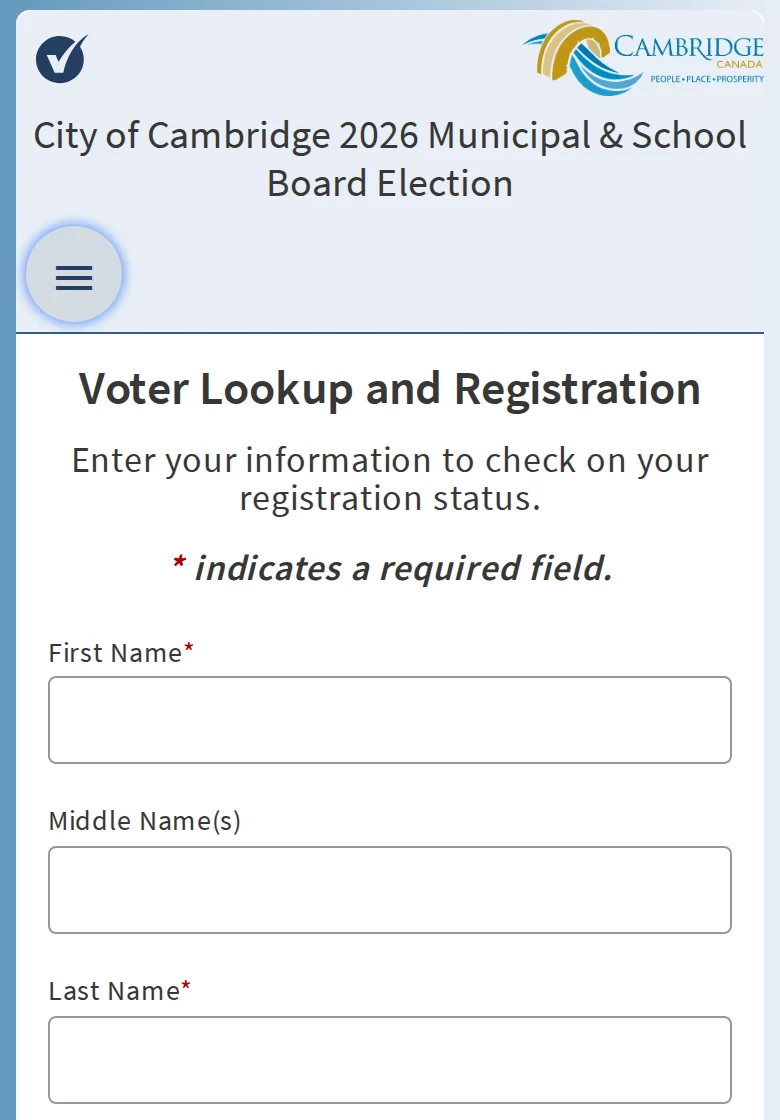
“No voter record found”: enter your details exactly as they appear on your letter, even if something on it is wrong. In the ID step, pick your address from the list.
Your address is not in the portal: under Street, select “my street is not listed”.
No Voting PIN: PINs are only on Voter Information Letters. Contact the City election office.
Prefer to vote in person?
Advance voting: City Hall, 50 Dickson Street, 6 to 10 October, and Hespeler Memorial Arena, 640 Ellis Road, 17 October, from 10 a.m. to 6 p.m. Voters from anywhere in Cambridge can use either location. Election day voting runs from 10 a.m. to 8 p.m. at any voting place assigned to Ward 8. Bring ID with your name and address; the notification letter does not count as ID.
Checked against the City’s Online Voting page and its three videos on 8 October 2026. Screens and dates can change; the City’s current instructions take priority.
Get in touch
What exactly should George hear?
Any question, any concern, anything whatsoever in your neighbourhood that he should be aware of.
George reads and answers every message himself, within two business days.
You send it
Anything in Ward 8, even if you don’t know whose job it is.
You get a reference number
On screen, right away, so when you follow up you are both talking about the same thing.
George finds the owner
City, Region, a utility or a school board. He tells you which one, and what he is doing about it.
Messages go to George and his digital team (Better Brain Co) so we can track replies. We delete them by 31 December 2026.